
Free moziloCMS demo installation
 moziloCMS Logo
Want to quickly see how the open-source software moziloCMS works? You'll find a free and updated demo installation of moziloCMS here.
Before using this demo please notice:
- Sending/receiving email and file upload is disabled on all demos
- Demos are the "basic install" only, no add-ons, no content
- Is this demo broken? Report as broken
- Want to discuss the script? Please use the comment section below
Option 1: Shared and self resetting moziloCMS demo
There is a public demo installation of moziloCMS which is shared with others and resets itself hourly. You can access it by visiting the following link:
- Main Page: https://s1.demo.opensourcecms.com/s/161
- Admin Page: https://s2.demo.opensourcecms.com/mozilocms/admin/index.php
- Username: opensourcecms
- Password: M0z1l0cms
Option 2: Request your own moziloCMS demo installation
You can request a own demo instance with a lifetime of 24 hours. This is ideal if you don't want to have your settings overwritten by other users of this website. Just use the following form and receive a link to your free custom instance within seconds:
About moziloCMS
MoziloCMS is a free content management system built in PHP that uses files to manage its data. It has a very simplistic structure and is mainly target at individuals and small businesses who are complete beginners. Some of the key features of every content management are missing, like user management and a database system. Instead it focuses on easy administration and content management without any HTML knowledge. It’s currently available only in German.
If you want to review this content management system you can use the link below to download the software and set up your own MoziloCMS demo. The installation process is very easy and you will need a webserver that supports PHP 4.3.2 or higher. The latest version available for download is moziloCMS 2.0 and was released in 2015. Since then the software hasn’t been updated or maintained, and since November 2017 the support forum is no longer available. However, you can find all the documentation you need on their website in order to successfully set up your own MoziloCMS domo. The screenshots below will give you a preview of how the admin demo looks like and how you can customize your online demo using themes. MoziloCMS features can also be extended by installing plugin or developing your own. For example, you can install a plugin to display your image gallery in a beautiful way.
Key Facts
| CMS name | moziloCMS |
|---|---|
| User rating |   (61 votes, average: 4.05 out of 5) (61 votes, average: 4.05 out of 5) Loading... Loading... |
| CMS Categories | CMS / Portals |
| Current version (stable) | 2.0 |
| Latest release date (stable) | 03/09/2017 |
| First release date | Unknown |
| License | GNU General Public License |
| Supported languages | English, German |
| CMS Demo available | (see above) |
| Admin Demo available | (see above) |
| Helpful Links |
Screenshots
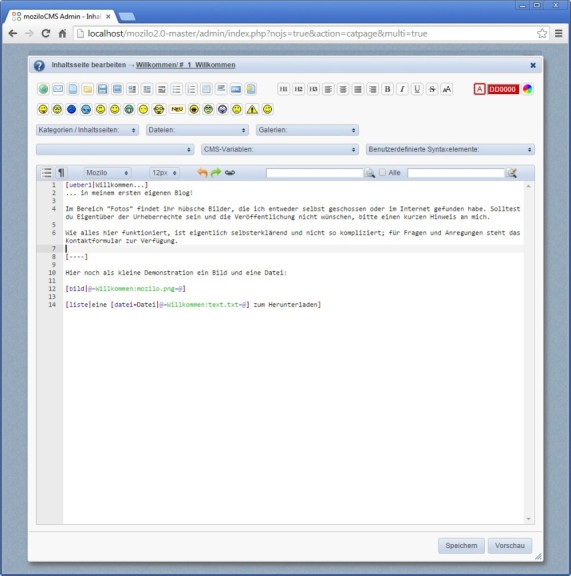 moziloCMS admin backend
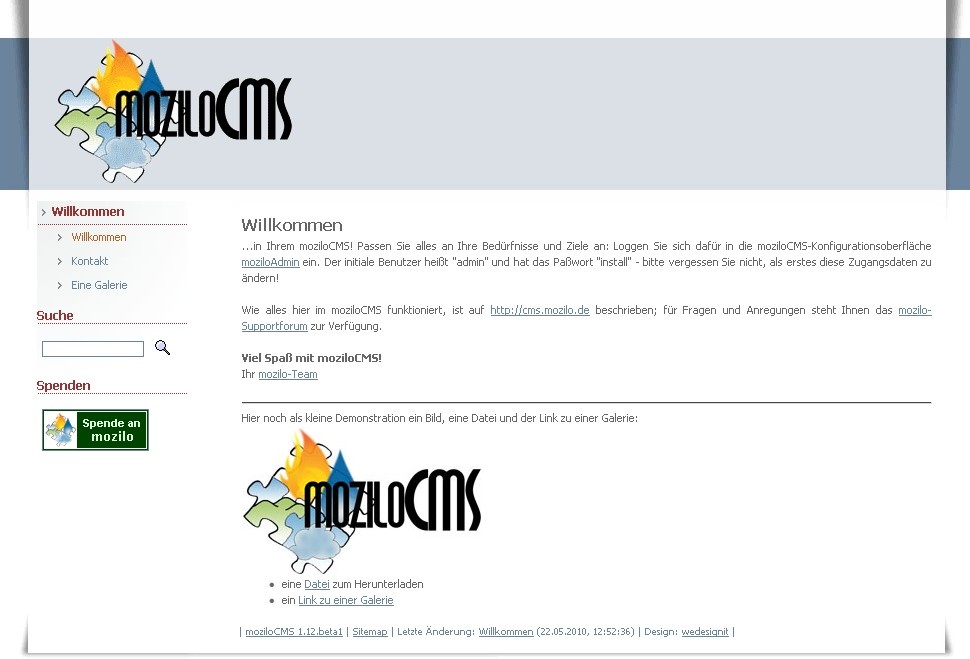 MoziloCMS Theme Preview
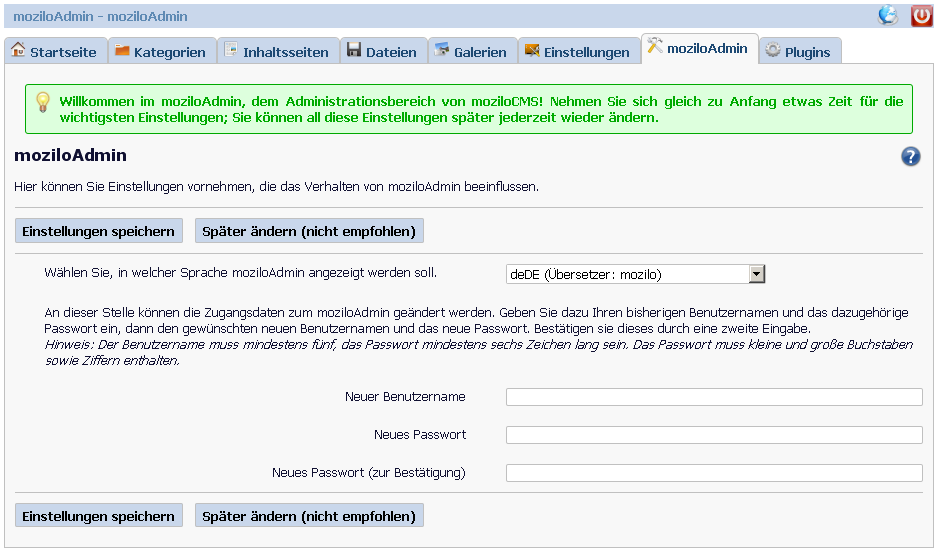 MoziloCMS Admin Demo
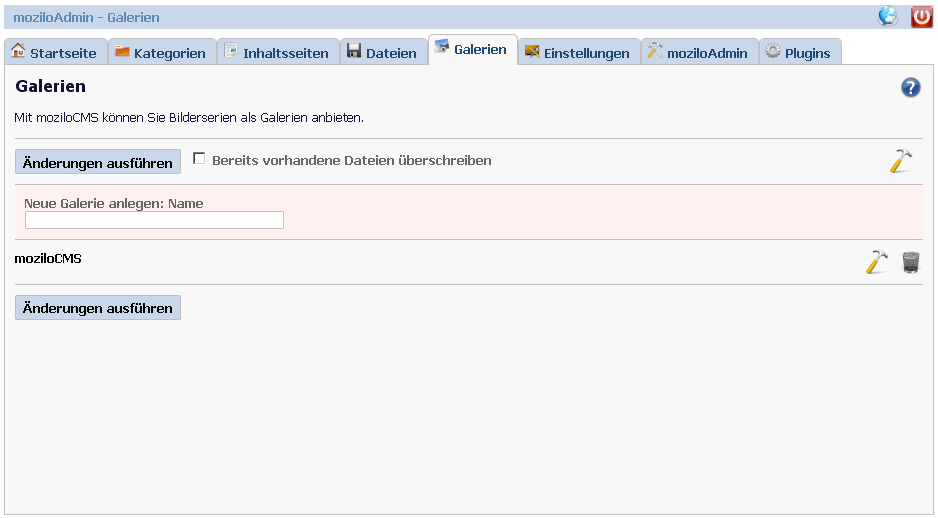 MoziloCMS Admin Demo - Gallery Manager
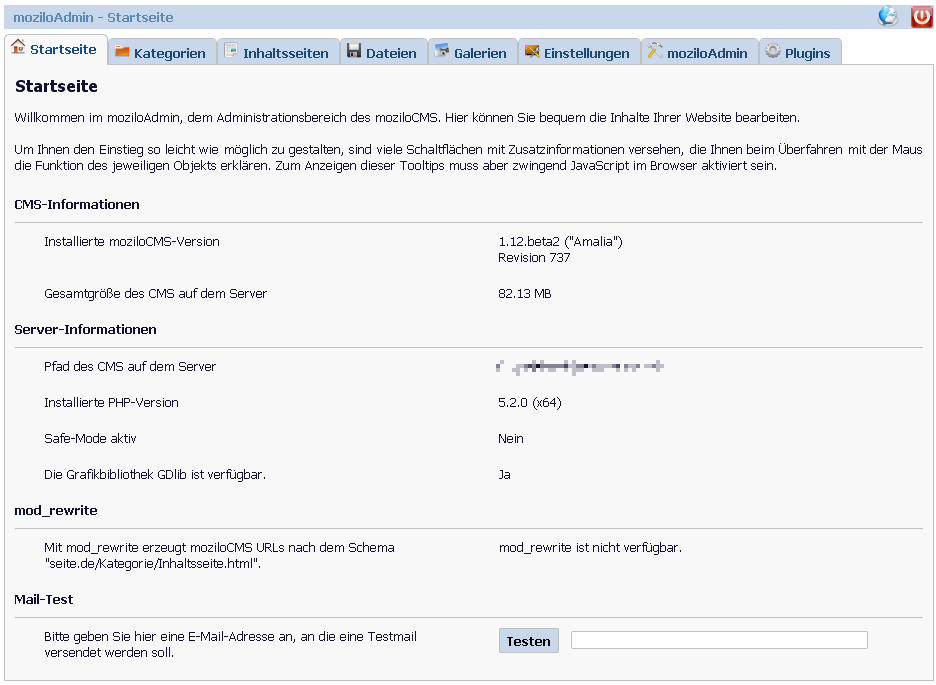 MoziloCMS Admin Dashboard