Textpattern 4.2.0

Rating: 4.3/5 (1684 votes cast)

click stars to cast vote

Category: Blogs
Stable Release: 4.2.0
Updated: August 31 2009 12:06 am
Native Language: English
Email me when a news story is posted by Textpattern
Your email address:
We will send you an email when a news story is posted by Textpattern
Email me when a new version of Textpattern has been released
Your email address:
We will send you an email when a new version of Textpattern has been released
Textpattern Links
Textpattern Demo
  • Sending/receiving email is disabled on all demos
  • Uploading files is disabled on most demos
  • Demos are the 'basic install' only, no add-ons, no content
Demo will be deleted and reinstalled in
Demo Main Page:
Demo Admin Page:
Admin Username:
admin
Admin Password:
demo123
Is this demo broken? Report broken demo now
What's exactly broken with the demo?
Thank you. We will fix the problem shortly.
Textpattern Description
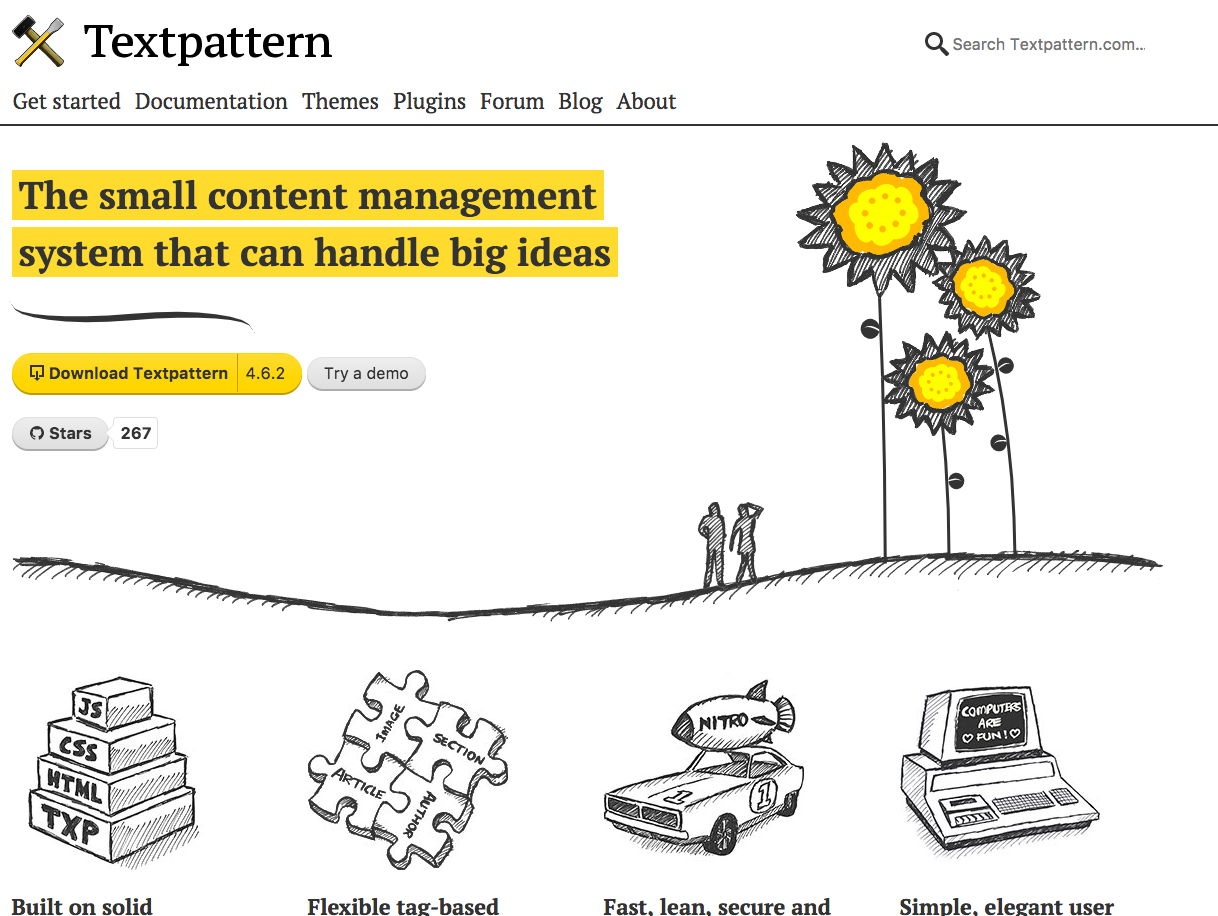
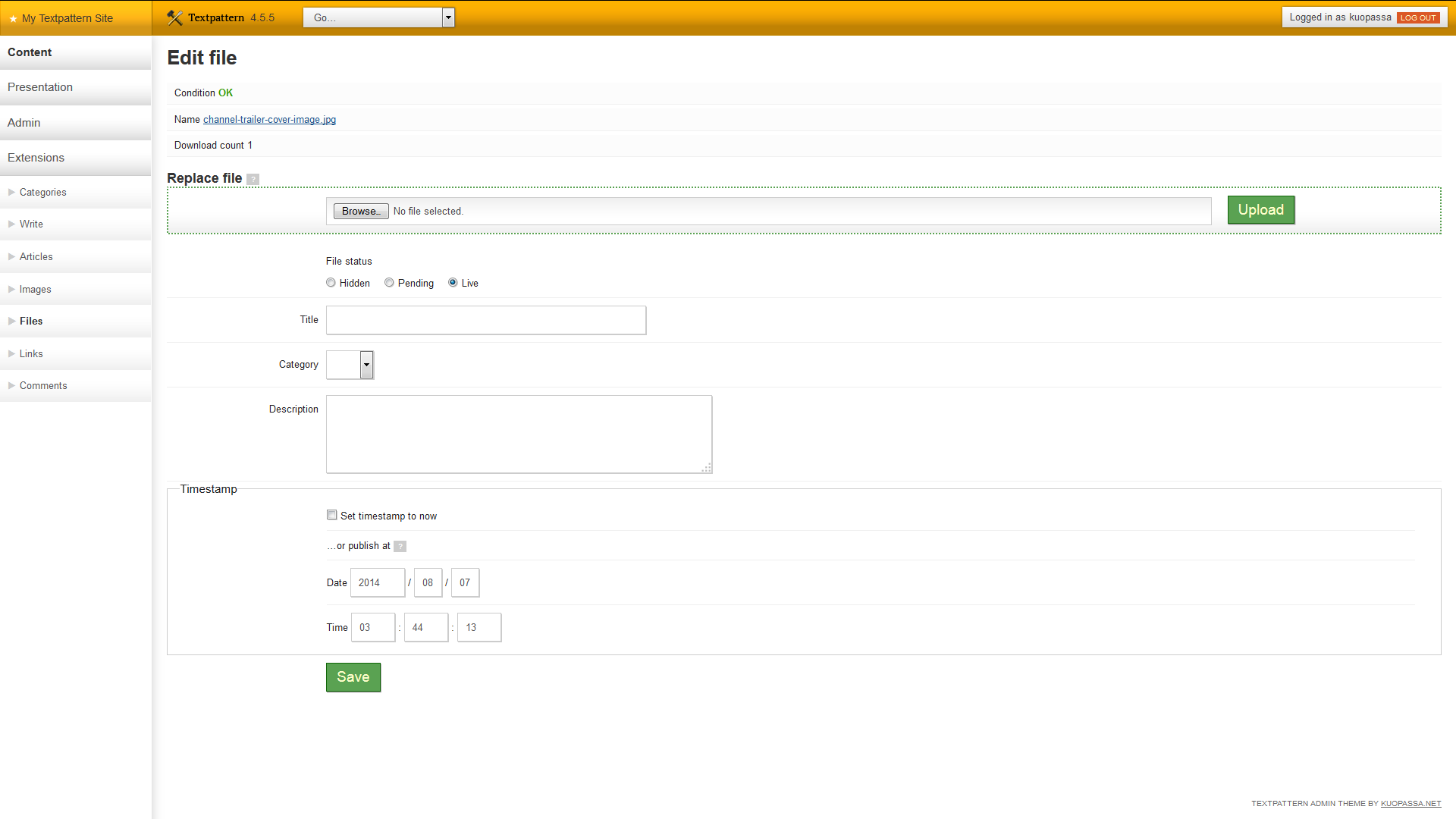
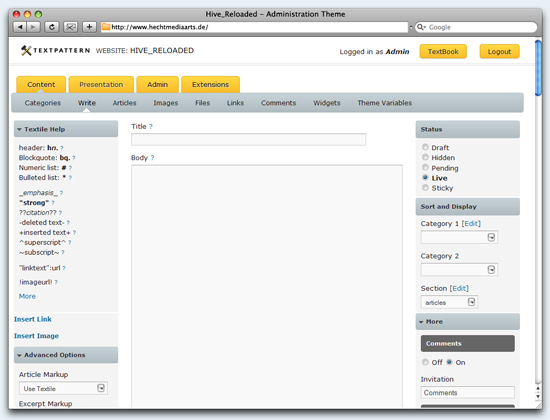
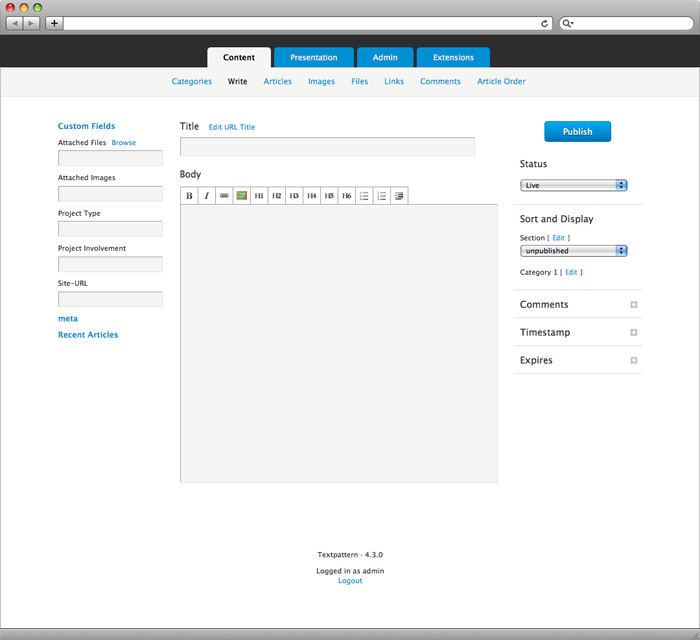
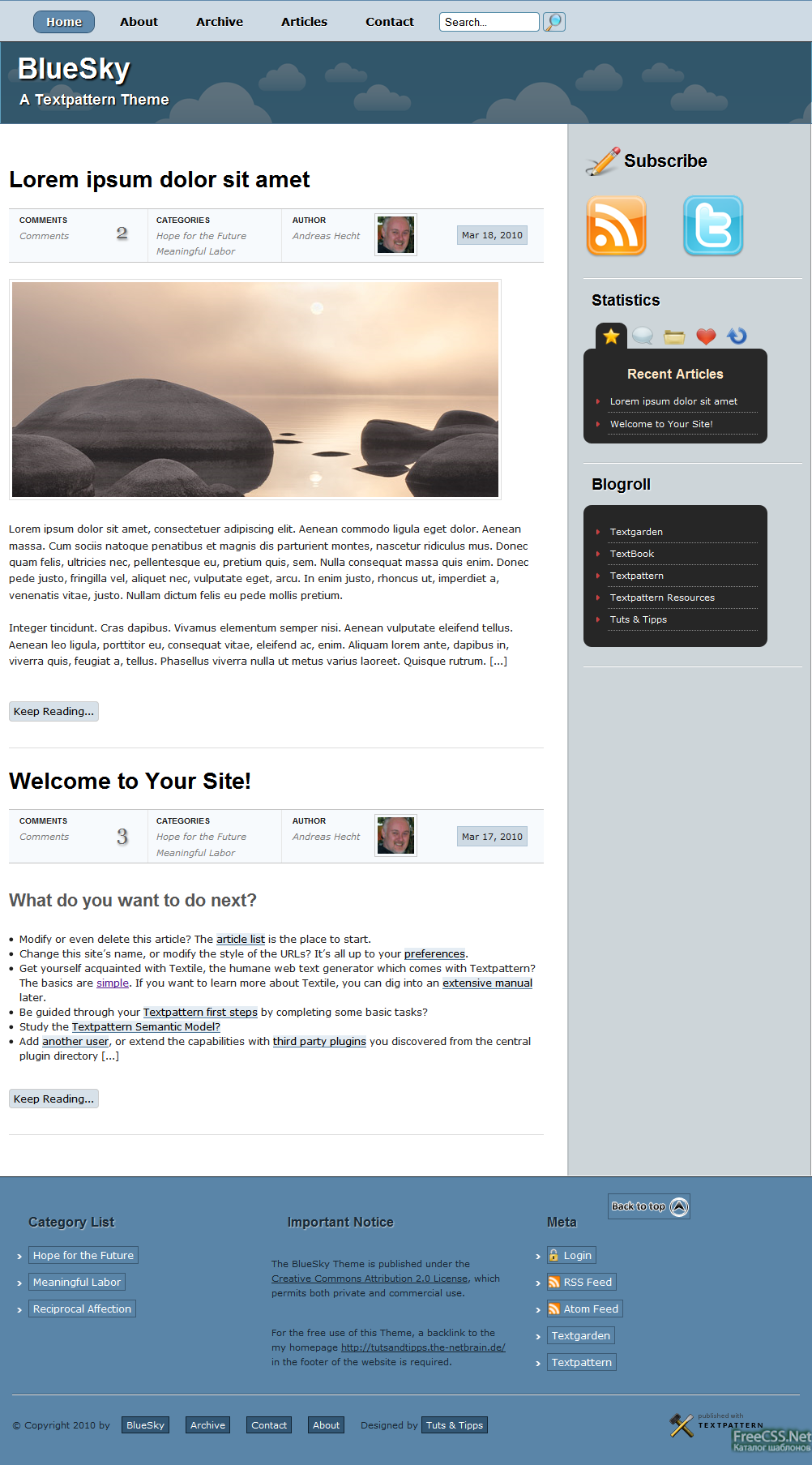
A free, flexible, elegant, easy-to-use content management system for all kinds of websites, even weblogs. Built into Textpattern is Textile, a simple syntax for nudging plain text into structurally sound and stylistically rich web content. Ordinarily fussy text amendments such as headers, hyperlinks, image tags and tables are created with one or two simple markers. Compared to navigating the tag soup of markup, writing and revising with Textile is much more intuitive, being closer to working with ordinary text. Once you’re ready to publish, copy marked up with Textile is automatically converted to valid XHTML, and because Textpattern stores both versions of each article, revising and updating is a snap. When composing or readying articles for publication in Textpattern, you can switch between three views of the article:plain text, XHTML (the code with which a web browser renders the article), and a rendered preview.

Sites published with Textpattern can employ unlimited registered contributors, each of whom may be assigned privileges by the publisher of the site. Five levels of privileges (publisher, managing editor, copy editor, writer and designer) are provided, and each reflects different access to article creation, approval, editing and deletion, and to image uploads, page design and CSS, and of course adding more contributors.

Installing and managing plugins that extend Textpattern's abilities is straightforward. Once installed, plugins can be turned on and off from within the Textpattern interface, where detailed help and access to parameters used by plugins is also available
Post A Comment
Name:
Comment:
Human Verifier:
(enter the 4 red numbers you see above)
 
Error! Invalid human verify code
Thank you for your comment. After we have reviewed your comment (to make sure it is not spam) it will be posted below.
Textpattern Comments
1 2 3 4 5
Posted By: klass on May 3 2010 05:17 pm
this a good site and it so flexible to do
Posted By: Hammer on January 9 2010 08:23 am
I have now evaluated, to use as a dev environment for brochure type websites, about 15 different CMS's on here. All have their pros and cons.

I think that Textpattern is THE best option.

Textpattern is very well thought out, very intuitive to me, I really like the ability to edit the template and style within Textpattern itself.

As for templates, there are many available and if you don;t like any of them, you can use part of their template and style to quickly create your own template. Very nice.
Posted By: Eric S. on December 5 2009 06:52 pm
@Markus Merz:
Aha! I finally had a "eureka" moment and realized I was looking at it from an over-engineered perspective. TXP is actually quite simple. Copy and Paste is all there is!

I'm off exploring this system more. I think TXP does have potential, although a few tweaks (such as template switching) in future releases would really help.

(Thank you Markus)
Posted By: datafunk on December 4 2009 06:41 am
Textpattern is for flexible and custom design the best!

I've tried a lot of others, but textpattern is the only one that combines the power of simplicity for the publishers, designers and developers.

Their redesigned homepage is the perfect example!
Posted By: Worth on November 18 2009 02:22 pm
@gil: Textpattern offers flexibility. While you can blog right out of the box, so to speak, that isn't its strength. You go with WordPress, pick a template and go. Nice, but you have a blog that looks like a WordPress blog.

@Eric: Breathtaking. Your experience far exceeds mine and yet I can get Textpattern to do anything I want. Reminds me of my first stab -- long, long ago -- with a Mac. I could make WordPerfect on PC hum, but I sat there in front of the Mac screen clueless and frustrated. Note, however, I don't blame the Mac for that.

@rajcio: Can you name something you can do with ModX that you can't do with Textpattern? Calling it "limited" suggests you haven't worked with Textpattern very much.

As for difficulty, I'd agree the paradigm for Textpattern is different. However, I strongly suspect (without knowing) it'd take the same time to figure out what all the fields mean in ModX as to learn how to use Textpattern tags.

I'm not suggesting Textpattern is for everybody, but it's disheartening to read comments by people who have limited understanding of its usefulness. For me, it works extremely well because I can set up website that's tailored to meet specific needs, and yet exposes users to none of innards. For the great majority of users, they type, select a category and section, then publish. Based on my preset instructions, Textpattern routes the article to its appropriate destination.
Posted By: rajcio on August 19 2009 01:54 am
this ranking seems a little bit outdated... look at the comments most are from 2006 and earlier.. :) Textpattern is not so easy compared to MODx system. Is much more limited in using. Is more like Website Management System unlike MODx which is truly Content Management System. I wonder why TXP is so high in this rank. There should be an option like showing the rank result in a particular period of time, last week, last month, year, etc.

Greetings for all OS systems users :)
Posted By: Markus Merz on August 9 2009 01:08 pm
@Eric S. said: "detailed knowledge of HTML, CSS, PHP, SQL, JavaScript and more" and is havin problems to understand.

Well, to start with... You don't need all this! After the 5min installation you can just start to publish.

If you need another design or want to study more features simply install another Textpattern template (see: textgarden.org) which is a Copy & Paste process.

When you start to hit a wall, feature wise, 1. study the core template tags (see: textbook wiki) and start to refine your individual publishing workflow or 2. search the forum for a plug-in which might fulfill your needs.
Posted By: Eric S. on July 8 2009 02:39 pm
I'm a web designer (since '98) with a detailed knowledge of HTML, CSS, PHP, SQL, JavaScript and more. I've been working with Joomla and Drupal for some time and it literally took me a couple of weekends to figure out both.

I heard about Textpattern; how clean and lean it was and wanted to give it a try for basic client friendly websites. Nearly two months later, I can't make sense of anything! I'm starting to wonder if everyone is raving about something totally different and I've been looking at a completely different CMS. How in the world does this system even work?
Posted By: gil on April 15 2009 06:06 pm
What does Textpattern offer that other blog tools don't? It would seem that it's lack of templates (which are a great starting off point for understanding how a particular blog tool organizes it's info) and it's use of unique textpattern only tags would all be minuses.
Posted By: D on February 12 2009 07:47 pm
One of the best for the price (free!)

I love TXP! Great for smaller client/freelance sites.

But, I do wish the backend was more current in terms of PHP coding practices... A lot of functions, but no classes... If developing plugins, I prefer something like Expression Engine.
Posted By: Gary on May 30 2008 02:33 pm
This so far is my CMS of choice. I've built several client websites with it and am impressed with its flexibility and power. It does really help to know basic HTML and CSS. PHP knowledge is not necessary, but can be an asset for expert tweaking of the system. Plug-ins that add functionality are plentiful and practical and the community is loyal, helpful and enthusiastic. For the very newest of beginners, wrapping your head around the concepts necessary to understand TXP is a bit intimidating. I had a hard time at first, despite my advanced HTML and CSS knowledge, but persistence and patience paid off big. There's plenty of help online and picking up a copy of 'Textpattern Solutions' can go a long way to helping a new user master this terrific platform. My highest recommendations.
Posted By: D.W on November 6 2007 09:32 am
I've tested Textpattern before, and it is a very good blogging and CMS platform. I'd rate it as a slimed down version of Drupal. Beginners may well find it intimidating though, which I won't deny. Yet, with better documentation and addition of user friendly features, it is one of the best CMS out there. Not exactly a blog, and not exactly a CMS - that's Textpattern for you. For blogging, of course WordPress is still the most user friendly among the lot...but then again, Textpattern is not exactly a typical blog software. It's more than that. What Textpattern needs is an easier template addition/change feature, where you don't have to change a bunch of core files. WordPress, Drupal, and Joomla have this feature by default.
Posted By: alfie on November 5 2007 06:32 pm
I use Mambo on my non CSS sites but need a CSS driven CMS. I have been working solid for 2 days with TXP, and i cant figure it out!! I've been working with PHP, CSS websites for years, so im no novice! Everytime I think ill give up I see the amount of people who say 'its so easy' and 'its all I ever use' so i try again, Now waiting on the 'textpattern Solutions' book. If that doesnt help im giving up! If I cant figure it out how can I explain to my client how to use it. any help apreciated!!!
Posted By: Jatinder Thind on August 18 2007 06:00 am
The best blogging software out there. And also the most flexible. I discover new capabilities every time I update my site's layout or design. Textile may seem a little intimidating to newbies but after a couple of days with it, you will find it easier to use than a WYSIWYG editor.
Posted By: steve on July 20 2007 03:00 am
coming purely from a css/xhtml background, using textpattern as my choice of cms was a godsend. everything is very intuitive once you get the hang of things. perfect for small portfolio/medium corporate/large government sites (many examples of these can be found all over the place). the core is stable and extremely fast, while several useful plugins can be found and instigated. as for weblog functions like trackback/ping/commenting crap i cant say much about them since i dont know and have no interest in blogs in general.
1 2 3 4 5