
Free CMS Made Simple demo installation
 CMS Made Simple Logo
Want to quickly see how the open-source software CMS Made Simple works? You'll find a free and updated demo installation of CMS Made Simple here.
Before using this demo please notice:
- Sending/receiving email and file upload is disabled on all demos
- Demos are the "basic install" only, no add-ons, no content
- Is this demo broken? Report as broken
- Want to discuss the script? Please use the comment section below
Option 1: Shared and self resetting CMS Made Simple demo
There is a public demo installation of CMS Made Simple which is shared with others and resets itself hourly. You can access it by visiting the following link:
- Main Page: https://s1.demo.opensourcecms.com/s/73
- Admin Page: https://s1.demo.opensourcecms.com/cms_madesimple/admin/login.php
- Username: opensourcecms
- Password: opensourcecms
Option 2: Request your own CMS Made Simple demo installation
You can request a own demo instance with a lifetime of 24 hours. This is ideal if you don't want to have your settings overwritten by other users of this website. Just use the following form and receive a link to your free custom instance within seconds:
About CMS Made Simple
CMS Made Simple is a free open source content management system built using PHP as a programming language with support for MySQL. The first version was released in July 2004 under the supervision of project leader Ted Kulp. Since then, CMS Made Simple features went through many improvements, turning this content management system in a competitors for other popular CMSs. After launching version 1.6 on June 22, 2009 and going through a major rework in terms of design and functionality, CMS Made Simple won the Packt Publishing award for open source content management system in 2010. At that time, CMS Made Simple features were compared to the ones of Drupal, WordPress or Joomla!.
CMS Made Simple features make it easy for both developers and ordinary users to use it as a way to create, maintain and update any website. It provides a web-based admin section where developers or system managers can customize CMS Made Simple themes and templates or install and update different add-ons modules. Other examples of CMS Made Simple features are assigning user groups and permissions and configuring page content clocks. If you want to see how an admin demo looks like and get a complete CMS Made Simple review you can login to our CMS Made Simple demo using the links above. The screenshots below will give you a preview of an admin demo and some of the CMS Made Simple features available.
You can also set up your own CMS Made Simple demo site if you follow the links below and download the content management system. Before going through the installation process you need to know that CMS Made Simple is not an entry level content management system. This means that you will need working knowledge of internet hosting, web servers, web content, databases and remote administration. In order to successfully set up you CMS Made Simple demo you will need an Apache 1.3 or 2 webserver, PHP 5.4.11+ and MySQL 4.1+. You will also need a session cookies and Javascript enabled admin browser like Chrome, Firefox, IE7+, Safari or Opera. The default installation will come with some core modules like a news manager, search function, and WYSIWYG editor (TinyMCE).
CMS Made Simple can be easily customized by developers by creating plugins, modules and extensions. Thanks to the internal template and stylesheet system, you can also customize CMS Made Simple themes to look as you want or simply purchase CMS Made Simple themes from third party developers who already did all the work.
The latest version released is 2.2.6 and became available on February 17, 2018, featuring security improvements to the content management system. The software is released under GNU General Public License.
Key Facts
| CMS name | CMS Made Simple |
|---|---|
| User rating |    (60 votes, average: 3.82 out of 5) (60 votes, average: 3.82 out of 5) Loading... Loading... |
| CMS Categories | CMS / Portals |
| Current version (stable) | 2.2.6 |
| Latest release date (stable) | 02/17/2018 |
| First release date | Unknown |
| License | GNU General Public License version 2 |
| Supported languages | English |
| CMS Demo available | (see above) |
| Admin Demo available | (see above) |
| Helpful Links |
Screenshots
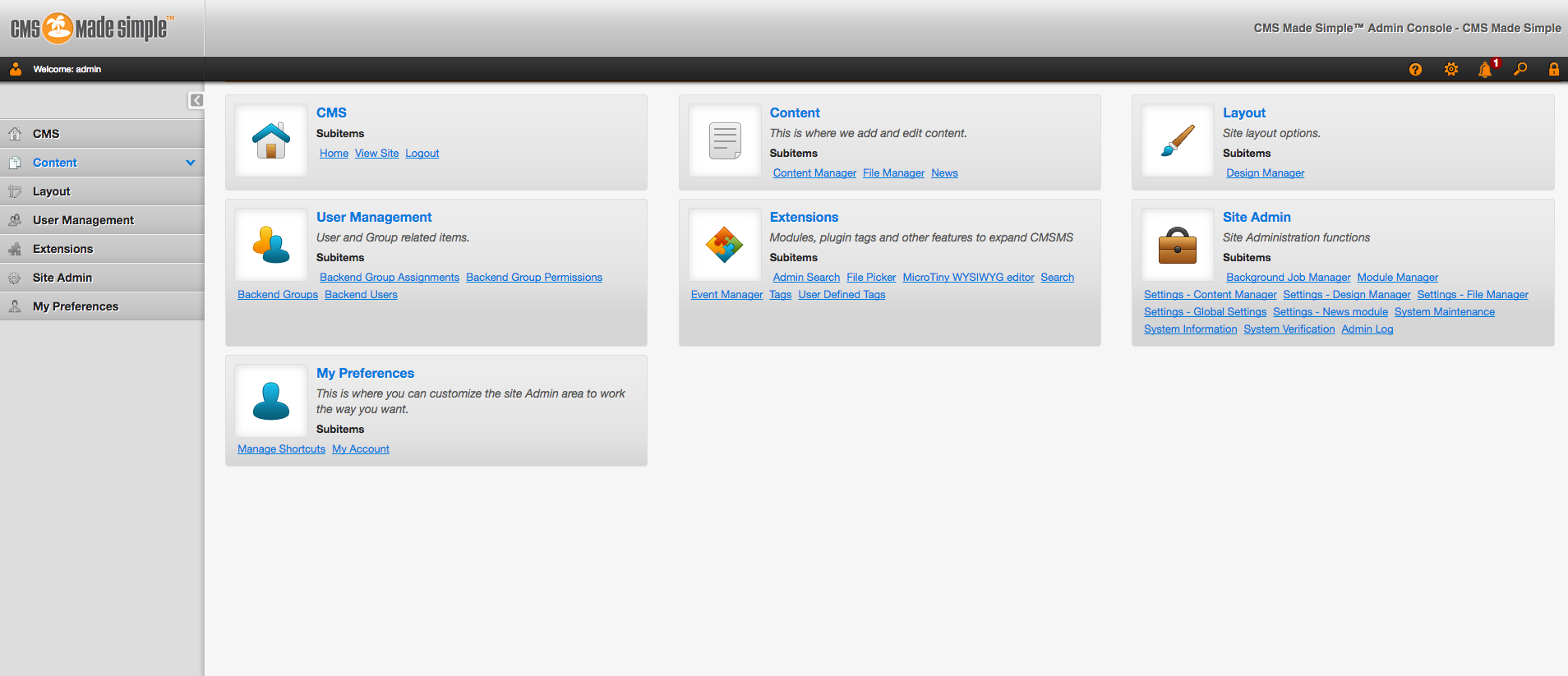 Backend Preview
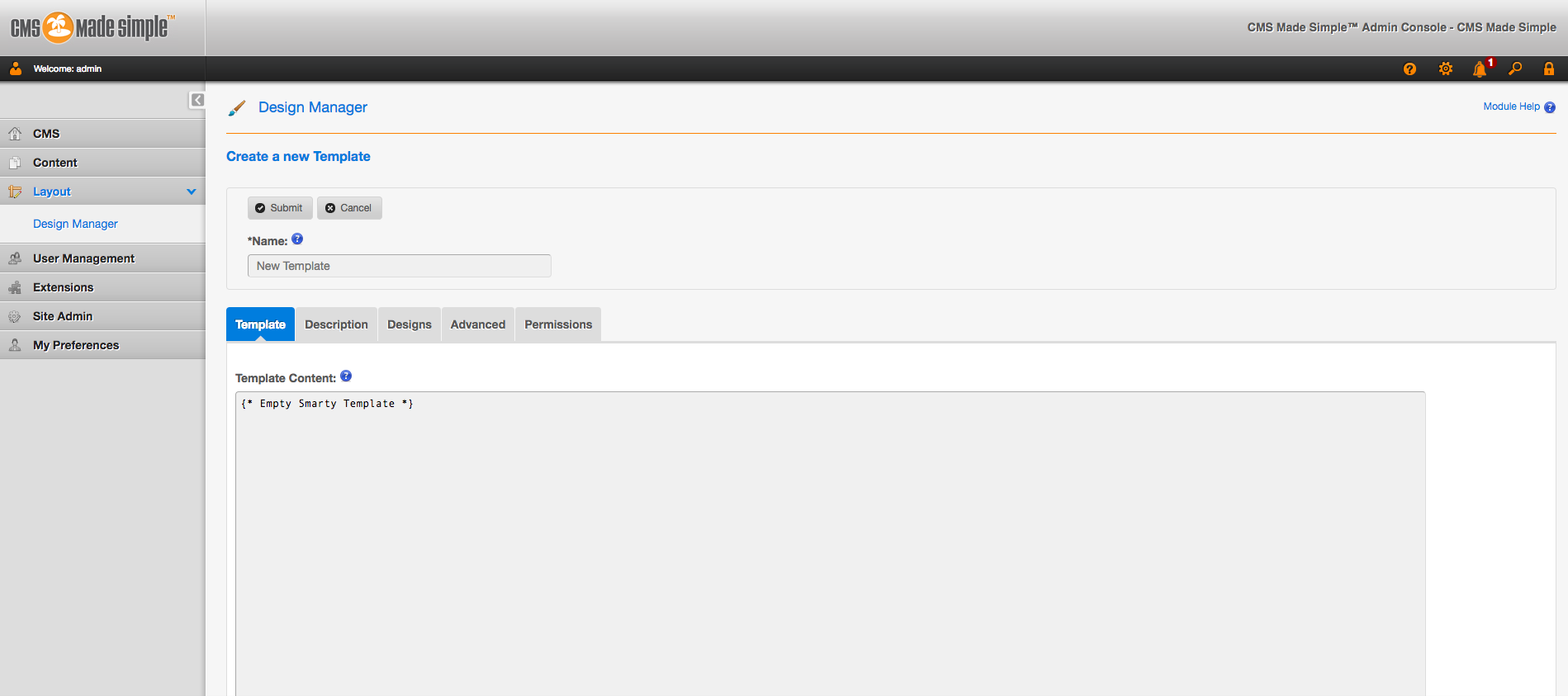 Editor Preview
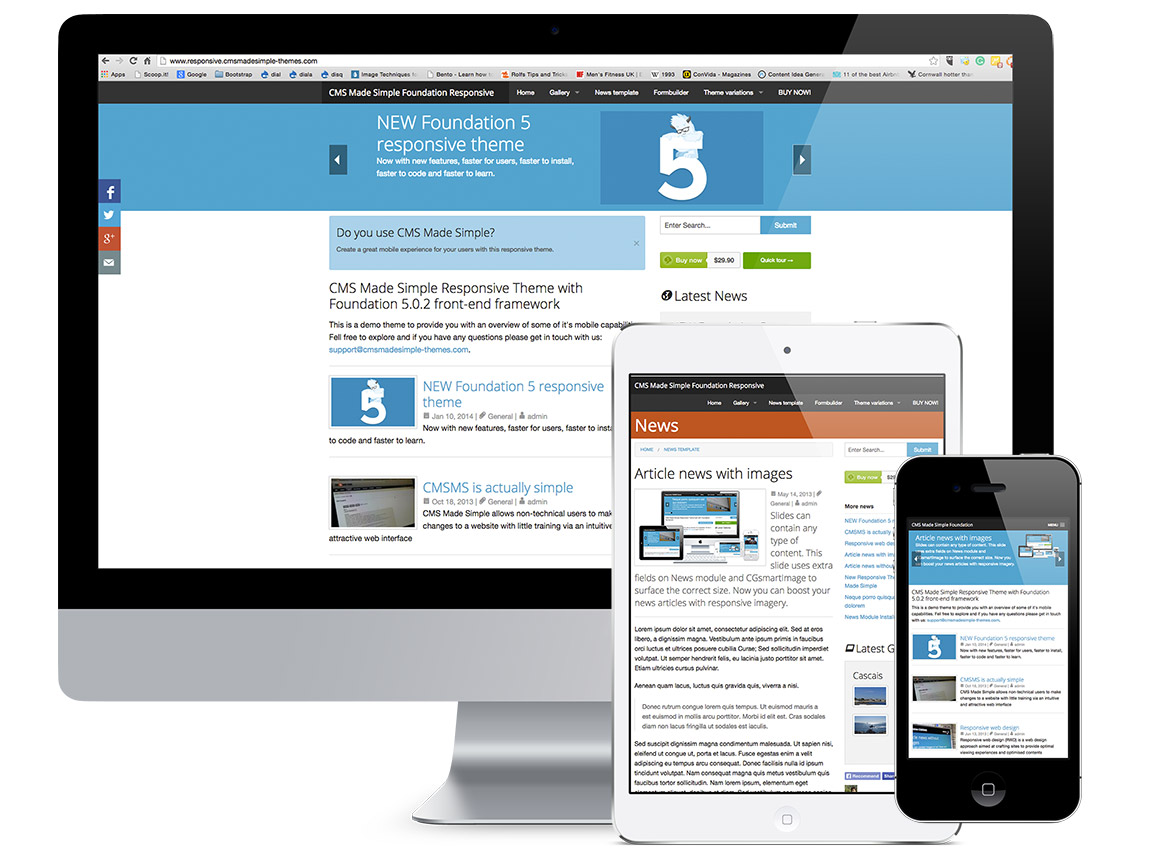 CMS Made Simple Theme Responsive Design
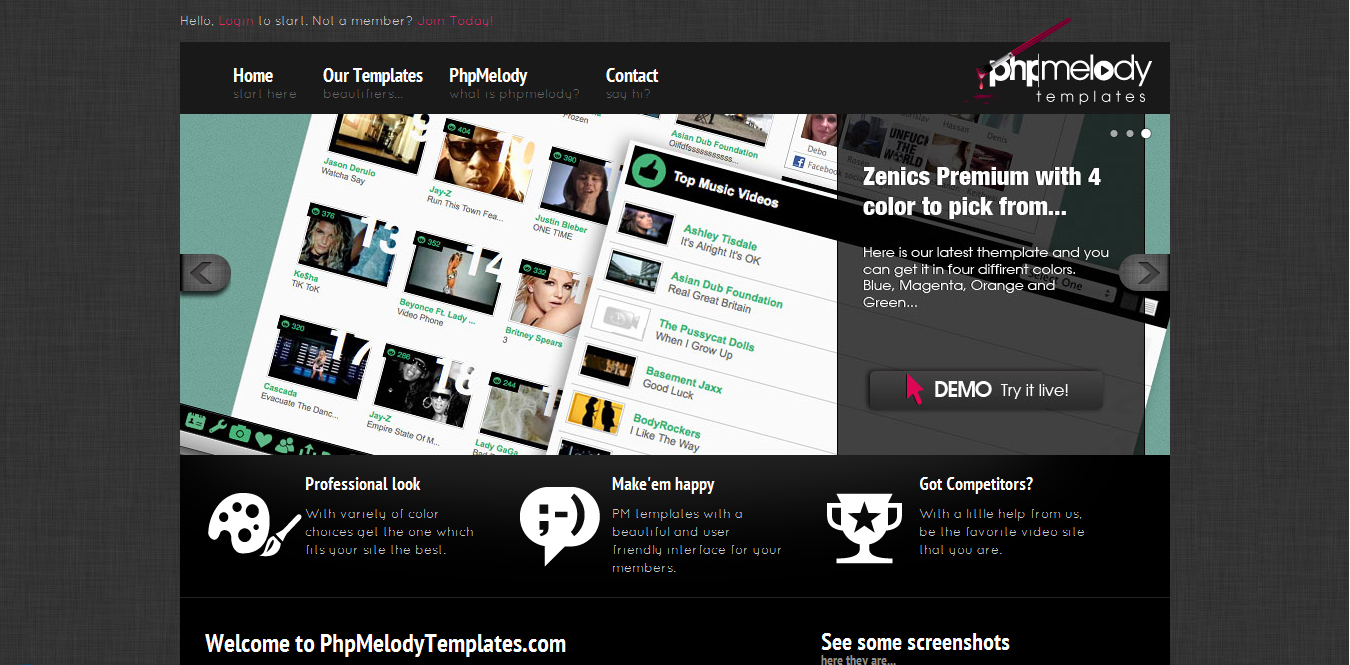 CMS Made Simple Theme Preview
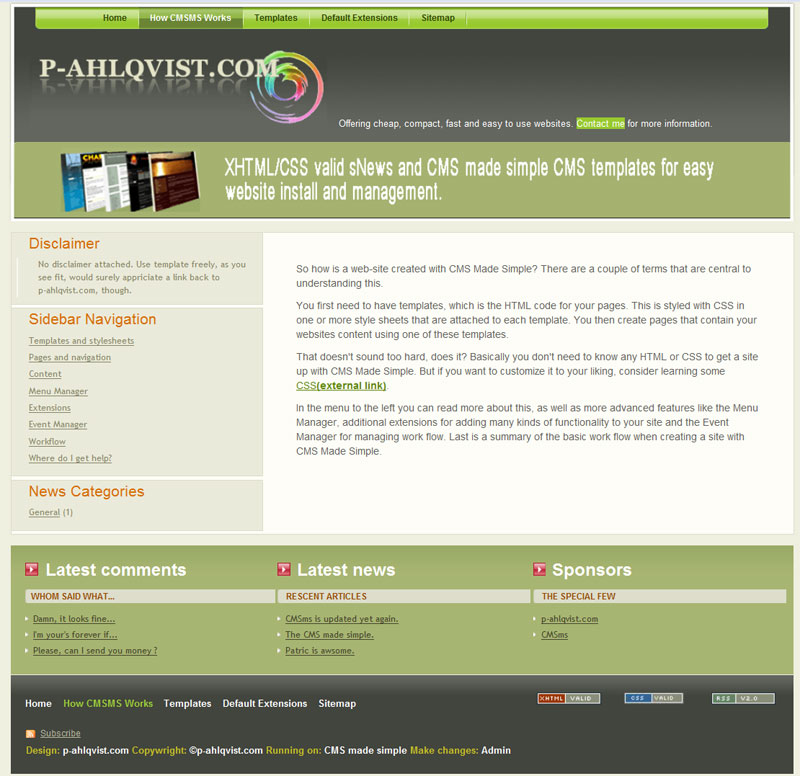 CMS Made Simple Theme Example